The Problem
How might we adapt multi-label shipping, a feature that currently only exists for Desktop, into a streamlined mobile experience that meets the needs of mobile-first users?
The Why?
Unique users used this feature
in the last month
Interactions with this feature on web
in the last month
What sparked this initiative? With over 26,000 unique users relying on the feature through the web and more than 56.1K interactions with the “Add More” button in the past month alone, it was clear that users weren’t just using multi-label printing, they were actively depending on it. The demand was obvious.
With over 2.3K mobile users daily, it was time to bring this functionality to meet users where they are: on the go.
What is Multi-Label Printing (Bulk Printing)
But first lets take a couple steps back. What is Multi Label Printing? Multi-label printing (AKA bulk printing) allows users to print multiple shipping labels at once, instead of creating them one by one.
This feature is especially valuable for high-volume printers or small businesses fulfilling several orders daily, as it saves time, reduces repetitive actions, and streamlines the overall shipping workflow.
On desktop, this capability is well-established, but had not yet been translated to the mobile experience, creating friction for users who needed flexibility on the go.
Current States
This feature is currently only a desktop and works as shown below.
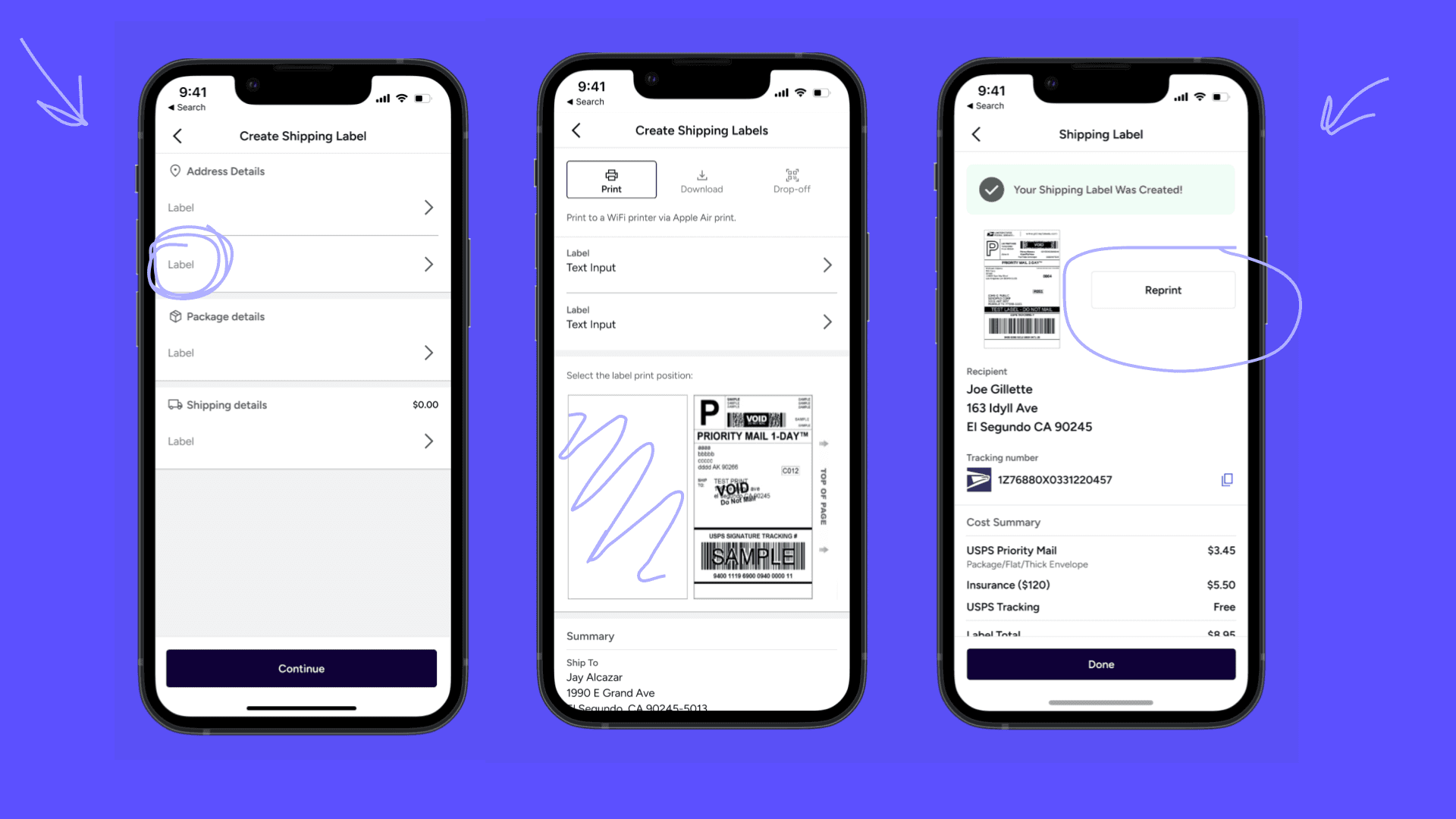
This below is the current mobile app with some annotations highlight parts that felt like unclear direction to me as well as spacing issues.
User Pain Points
From here, I identified key challenges in the existing experience, the most significant being that users must switch to the web to access this feature, causing unnecessary friction. These pain points highlighted clear opportunities to improve usability, streamline workflows, and better support users on the go.
Pain Points
Users have to switch to Web
Lack of Familiar Patterns
Experience Felt Disjointed
Opportunties
New Mobile Flow
Parody of existing patterns
Consideration of all features
Design Principles
When tasked with translating this feature to mobile I kept three key design principles in mind throughout my entire process that aligned with product and company values.
Build for Trust and Recovery
Build for Trust and Recovery
Scaling to Mobile
When adapting the multi-label printing experience for mobile, I focused on balancing functionality with simplicity. My goal was to preserve the power of the web tool while designing an interface that felt native to mobile. I prioritized recognizable patterns, like checkboxes and swiping gestures, to reduce cognitive load and ensure quick onboarding. I also considered edge cases, such as label misprints or reviewing invoices, and built in flexible interactions that support real-world usage. Every decision was made to keep users moving—without needing to switch devices.
Prior to this project, the mobile experience lacked support for multi-label printing entirely. Users were forced to switch to the web to complete bulk actions, interrupting their workflow and creating friction—especially for those who rely on mobile while on the go. The mobile interface was streamlined but limited, missing critical functionality users needed in real time.
Leveraging AI
As apart of my internship tasks I also explored AI tools to streamline my workflow. The main tool I used during this project was one of Figma's newest tools Figma Make. This helped speed up prototyping while building technical fluency with tools like Figma Make. I was able to throw in my screens and quickly vibe code them to make tools like the search bar functional.
Final Result
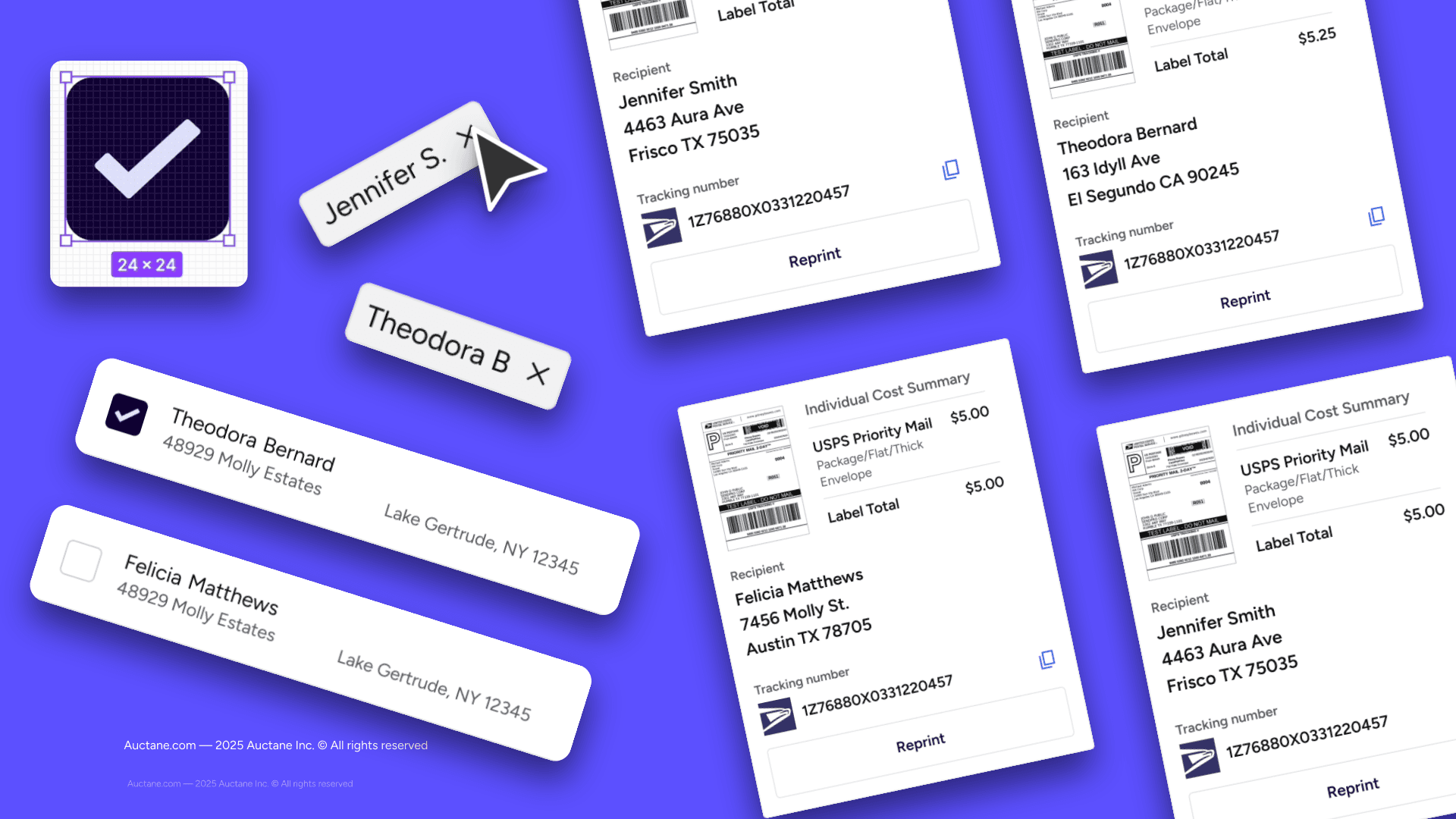
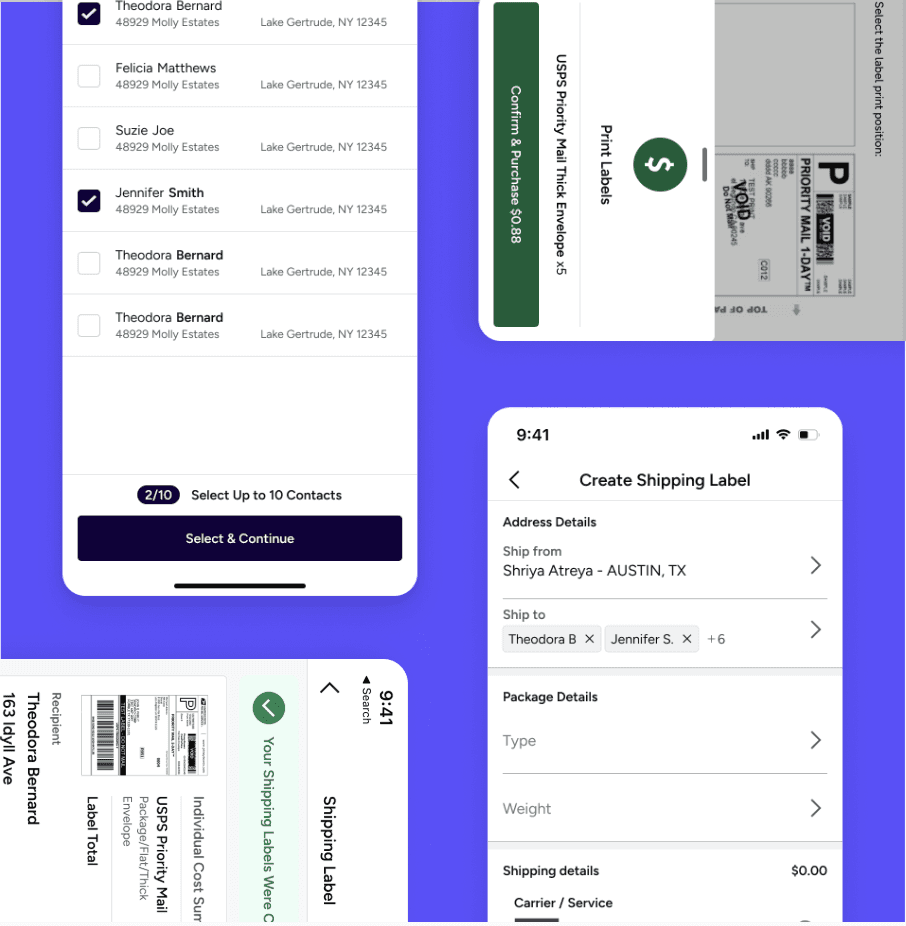
To support recognition and ease of use, I parodied the familiar checkbox UI from the web experience, allowing users to quickly understand how to select multiple labels. I also redesigned the invoice section with edge cases in mind like when a single label is misprinted. Users can now swipe through each individual label and view the full invoice before reprinting, making the process more flexible and error-resilient on mobile.
Additionally I also went above and beyond and thought through how this fit in with other mobile features and designed a "grouping" functionality for the history of past prints portion of the mobile app.
Final Result
To support recognition and ease of use, I parodied the familiar checkbox UI from the web experience, allowing users to quickly understand how to select multiple labels. I also redesigned the invoice section with edge cases in mind like when a single label is misprinted. Users can now swipe through each individual label and view the full invoice before reprinting, making the process more flexible and error-resilient on mobile.
Presentation!
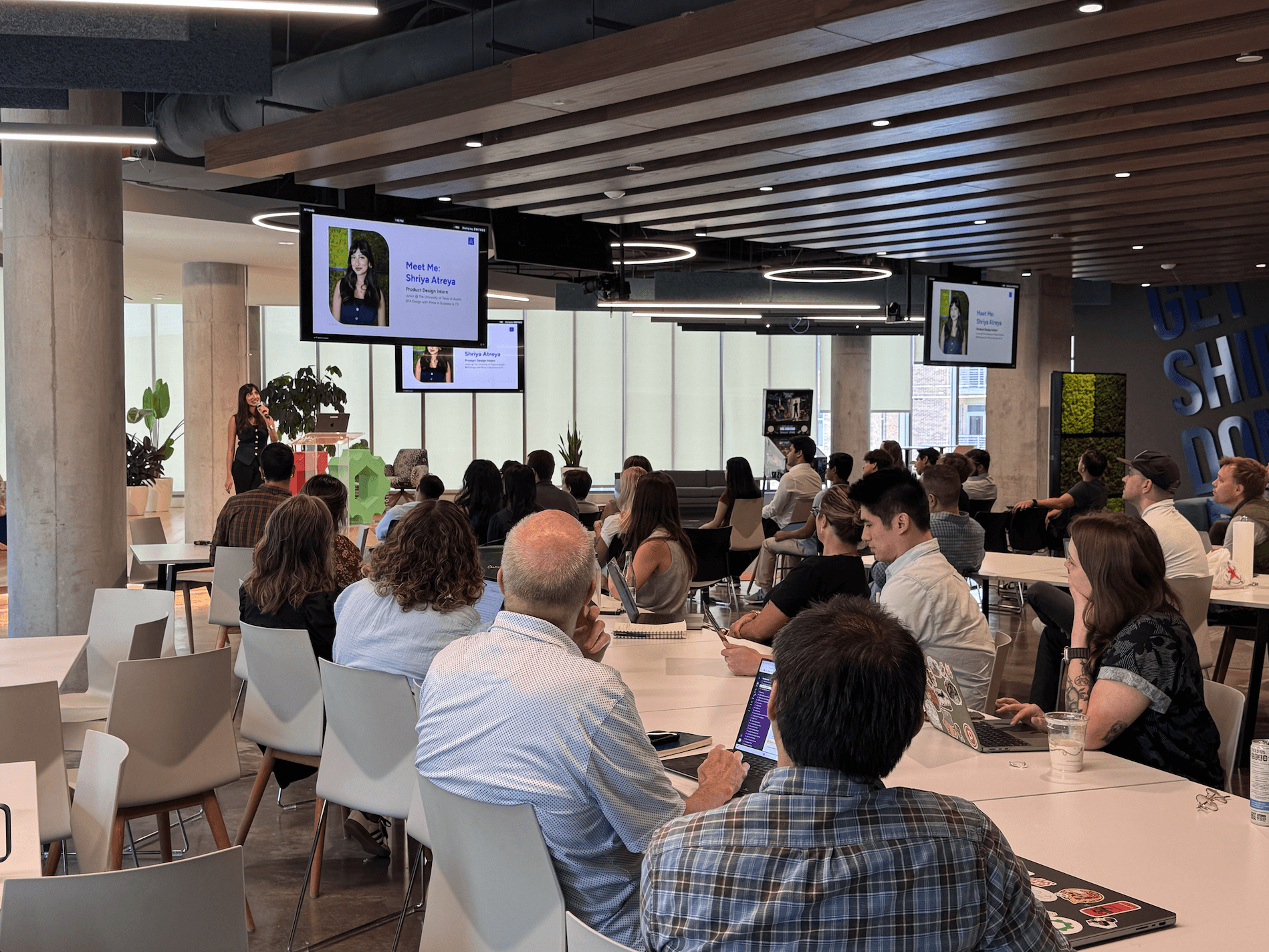
As part of this project, I had the incredible opportunity to present to the entire company, including the C-suite, and received enthusiastic praise for both the work itself and the clarity of my presentation deck.
What I Learned
Stepping into the role of a user
Fully immersing myself into the product to understand the direct pain points of the user.
Mobile Product Design
Designing for Mobile vs. Web where there are many restrictions on space and capabilities.
Design Systems
I had to familiarize myself with Auctanes Design Language (ADL) to design these features.